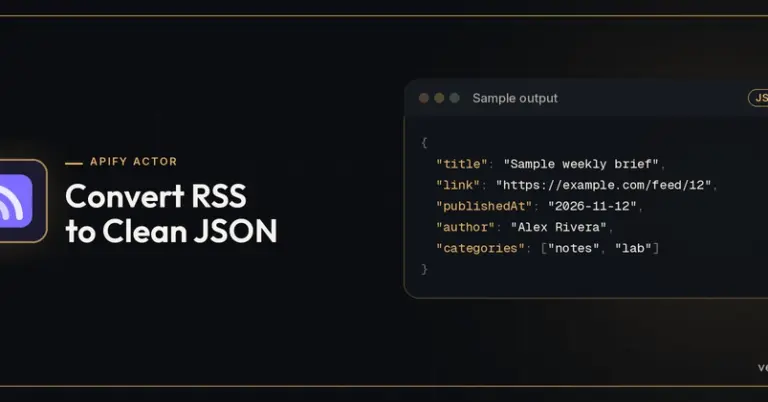
Most government recruitment sites in India don’t offer an API, and scraping them is fragile and often against their terms. Here is a low-tech setup that works for a personal job-alert pipeline. 1. Pick sources that publish feeds Many aggregators and some official portals expose RSS or Atom. Collect the feed URLs in one list. 2. Pull feeds into a spreadsheet Google Sheets’ IMPORTFEED function pulls the latest items into rows: =IMPORTFEED(“https://example.org/feed”, “items title”, FALSE, 20) Enter fullscreen mode Exit fullscreen mode 3. Filter by keyword Use FILTER with REGEXMATCH to keep only rows matching terms like “engineer”, “apprentice” or your state: =FILTER(A2:B, REGEXMATCH(LOWER(A2:A), “apprentice|junior engineer”)) Enter fullscreen mode Exit…
Scraping-Free Alerts: Tracking Government Job Notices with RSS and a Spreadsheet
 Continue reading at
DEV Community
dev.to
Advertisement