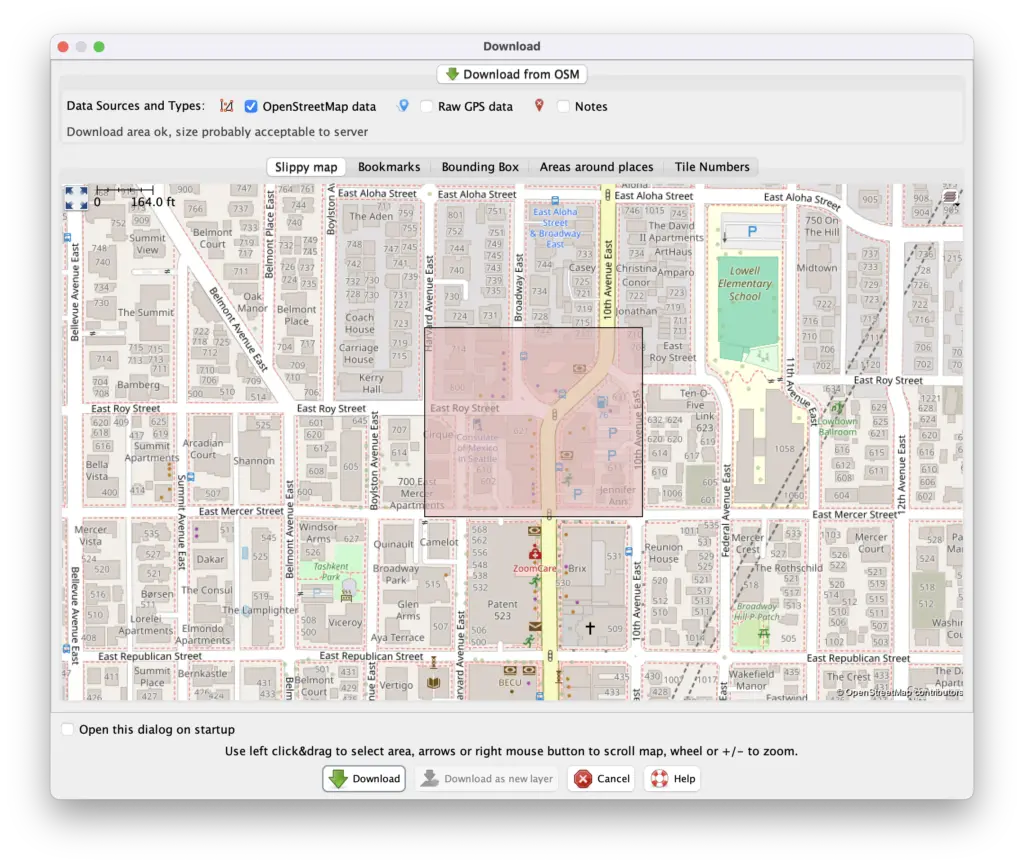
Intro This quick tutorial will help you make a meaningful contribution to OpenStreetMap (OSM) in less than 15 minutes. By the end, you will have added an official website tag to a nearby shop or amenity. Soon after, your contribution will be ingested into dozens of free OSM-based services, helping people worldwide. Why a website tag? Once a place in OSM has a website tag, it becomes way easier to determine other helpful info about that place. Nearly every place’s official website has info about its phone, opening_hours, email, and other tags. So adding a website tag is a great place to get started. Got your stopwatch out? Ready, set, go! 1. Create an OSM account Sign up for a free OSM account and then confirm your email. 2. Download and Run JOSM Download JOSM (~365 MB) for your…
Make your first edit to OpenStreetMap
 Continue reading at
Hacker News
high5apps.github.io
Advertisement